 ديل كوينز
EA backup codes
8-digit codes we need to sign in to your account safely, without a verification code sent to your email or phone stopping us.
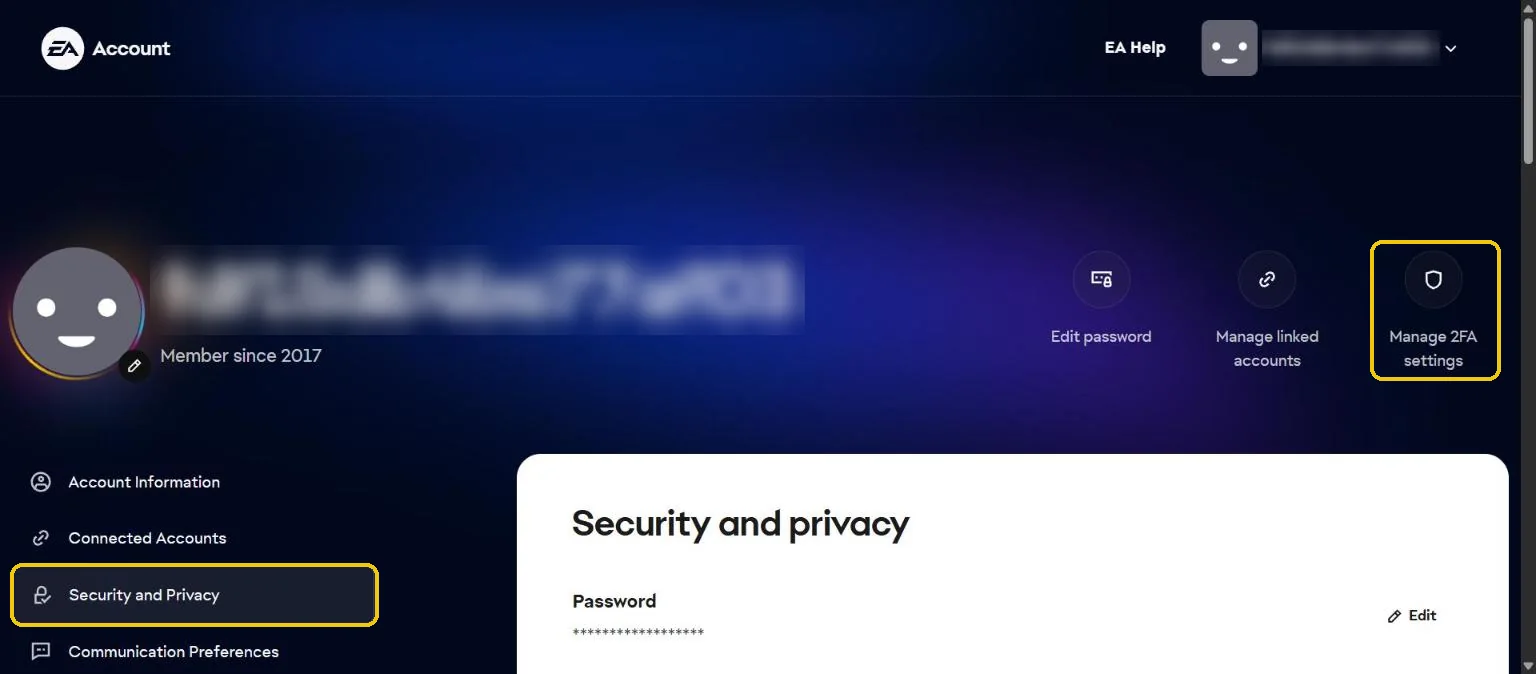
- Sign in to your EA accountOpen myaccount.ea.com with your game's EA account, then pick Security and Privacy in the menu. Or press Manage 2FA settings at the top to jump to step 3.
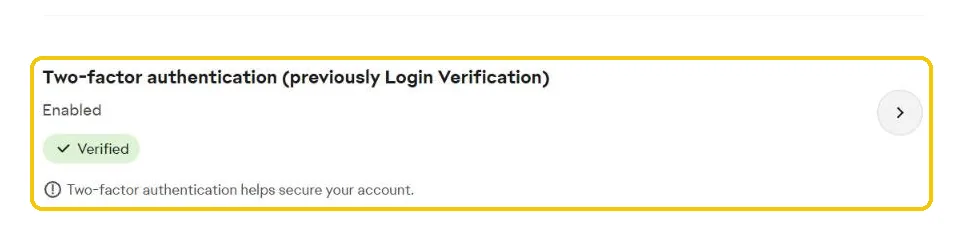
- Open Two-factor authenticationPress the arrow next to Two-factor authentication (previously Login Verification). If it's off, turn it on first.
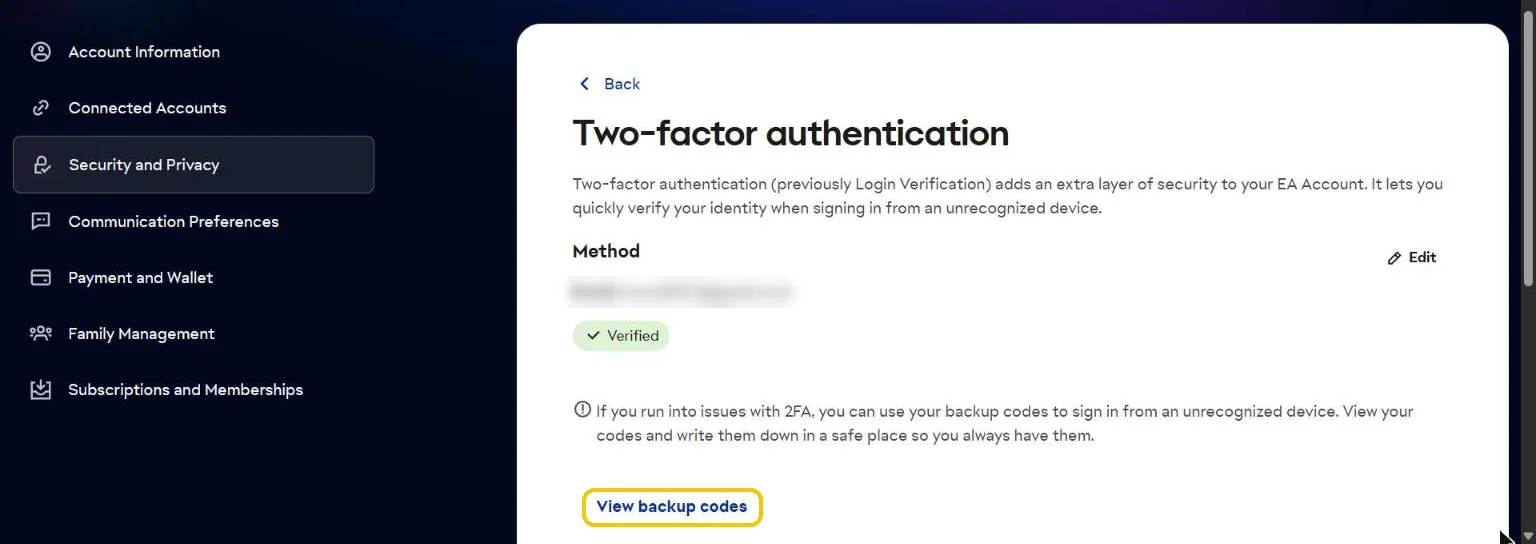
- Show your backup codesPress View backup codes. You get a list of codes, 8 digits each.
- Give us two different codesIn the order form. Each code works once, and you can generate new ones after we finish.
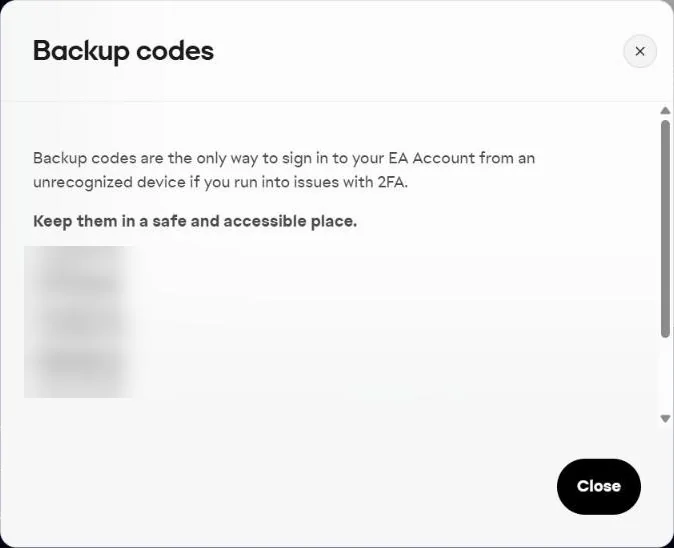
Only share the codes in the order form. You can change your password after we finish.
Official guide: Security in your EA accountGot a question?Our team answers on WhatsApp
Chat with us on WhatsApp